In brief: what happened
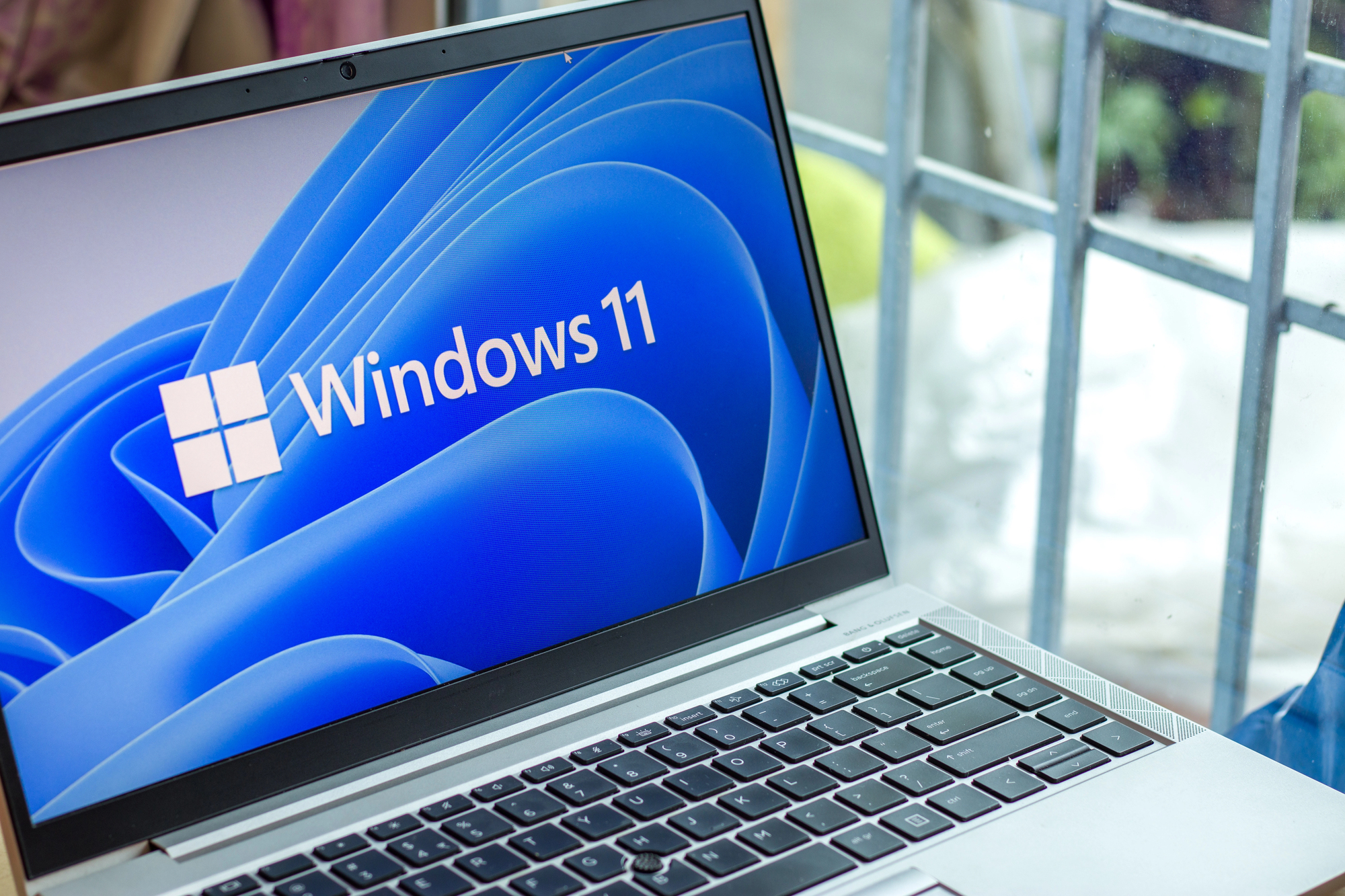
After the January security package, some Windows 11 users reported problems: computers would not shut down or enter sleep mode, the system would suddenly reboot, and some saw a blank screen. Microsoft promptly released an out-of-band update intended to resolve these symptoms.
Technical details
The fault is related to interaction with the Secure Launch feature — a mechanism that strengthens protection of the OS boot process. The fix also addresses a bug that blocked the display of a credential prompt when connecting via remote access. In simple terms: the system sometimes "waited" for a response from the authentication module and ultimately shut down incorrectly.
"We released an update that resolves shutdown and sleep issues on some configurations with Secure Launch enabled"
— Microsoft, security team
What users are observing
According to WindowsLatest, some users still see a blank screen or encounter crashes of the Outlook Classic app after the update. Recall that a similar situation occurred in October 2025 with the Windows Recovery Environment — this points to the complexity of interactions between certain security components and third-party applications.
"Some systems continue to have update artifacts — a blank screen or crashes in certain applications"
— WindowsLatest, technical editorial
What users should do right now
1) Install the out-of-band update from Microsoft — this is the simplest and safest step.
2) If you use remote access in your workflows, check whether you should temporarily change authentication settings or inform your IT department about possible disruptions.
3) If you are running Windows 10: Microsoft ended general support for the OS in 2025, but organizations and individual users can receive fixes through the Extended Security Updates program — check your status and possible options for upgrading or migrating to Windows 11.
Context and significance for Ukraine
This is not merely a technical detail — workstation stability directly affects the operational resilience of organizations, including government bodies and critical infrastructure. Microsoft's quick response, partly linked to strengthened local coordination after the appointment of a new head for Ukraine and the Baltics, increases the chances of prompt resolution of similar incidents in the future.
Conclusion
The issue was multifactorial: interactions between protection mechanisms and authentication approaches led to unwanted reboots. Microsoft’s fix is available — install it as soon as possible. For government and business users this is also a reminder: digital resilience requires both technical patches and procedural control. Are your IT processes ready to deploy such patches quickly — a security question for the whole country.