What's new
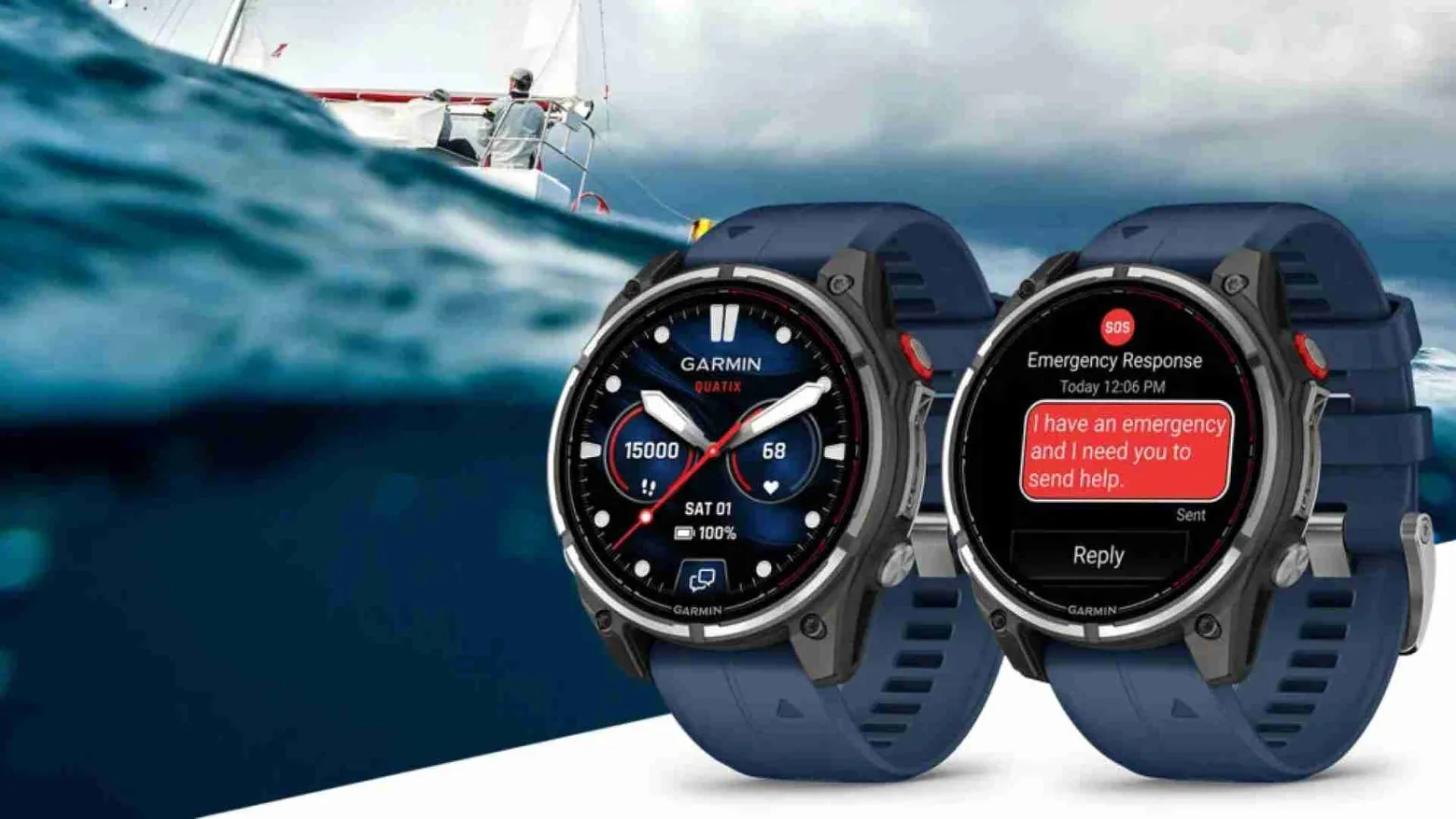
Garmin has officially posted a full-featured WhatsApp app in the Connect IQ Store for a range of smartwatches. You can now view up to the last 10 messages on your watch and reply — using emoji, reactions, or by typing with the built-in keyboard.
"The WhatsApp app is available in the Connect IQ Store for compatible Garmin models"
— Garmin (press release)
Who this will be useful for
For active users — runners, couriers, drivers, or people who move around the city frequently — the ability to read and partially respond to messages without taking out a phone reduces distraction. For those working in the field or at a fast pace, it also enables quicker responses to messages from colleagues and volunteers.
Compatible models
- D2 Air X15
- Enduro 3
- Fenix E
- Fenix 8
- Fenix 8 Solar
- Fenix 8 Pro
- Quatix 8
- Quatix 8 Pro
- Forerunner 570
- Forerunner 970
- Tactix 8
- Venu 4
- Venu X1
- Vivoactive 6
Limitations and security concerns
The app works only when paired with a smartphone running Android or iOS — it does not function without an active connection. Important practical points:
- No voice input. If you’re used to dictating replies while on the move, that option is currently unavailable.
- Cannot answer calls. Calls can only be declined from the watch; you need your phone to take the call.
- Privacy considerations. WhatsApp encrypts messages, but displaying text on the watch screen means others may see them if the screen is unlocked. It’s recommended to set up a screen lock on the watch and adjust notification previews.
How to install
You can download the app from the Connect IQ Store — make sure your watch is updated to the latest firmware and connected to your smartphone. After installation the app will show recent messages and offer quick-reply options.
What this means for the user and the market
For the end user, this is a step toward faster, less intrusive communication: fewer phone pulls and more control over distractions. For Garmin, it strengthens the device ecosystem and gives another reason for active users to stay within its platform.
At the same time, the update does not change the watch’s core role: it complements but does not replace the smartphone. Before enabling notifications on your watch, consider what you’re willing to show on the screen and how important voice replies or handling calls are to you.
Should you install it right now? If you need quick communication on the move — yes. If full call functionality and voice replies are a priority — it’s worth waiting or continuing to use your phone as the primary tool for now.