What happened
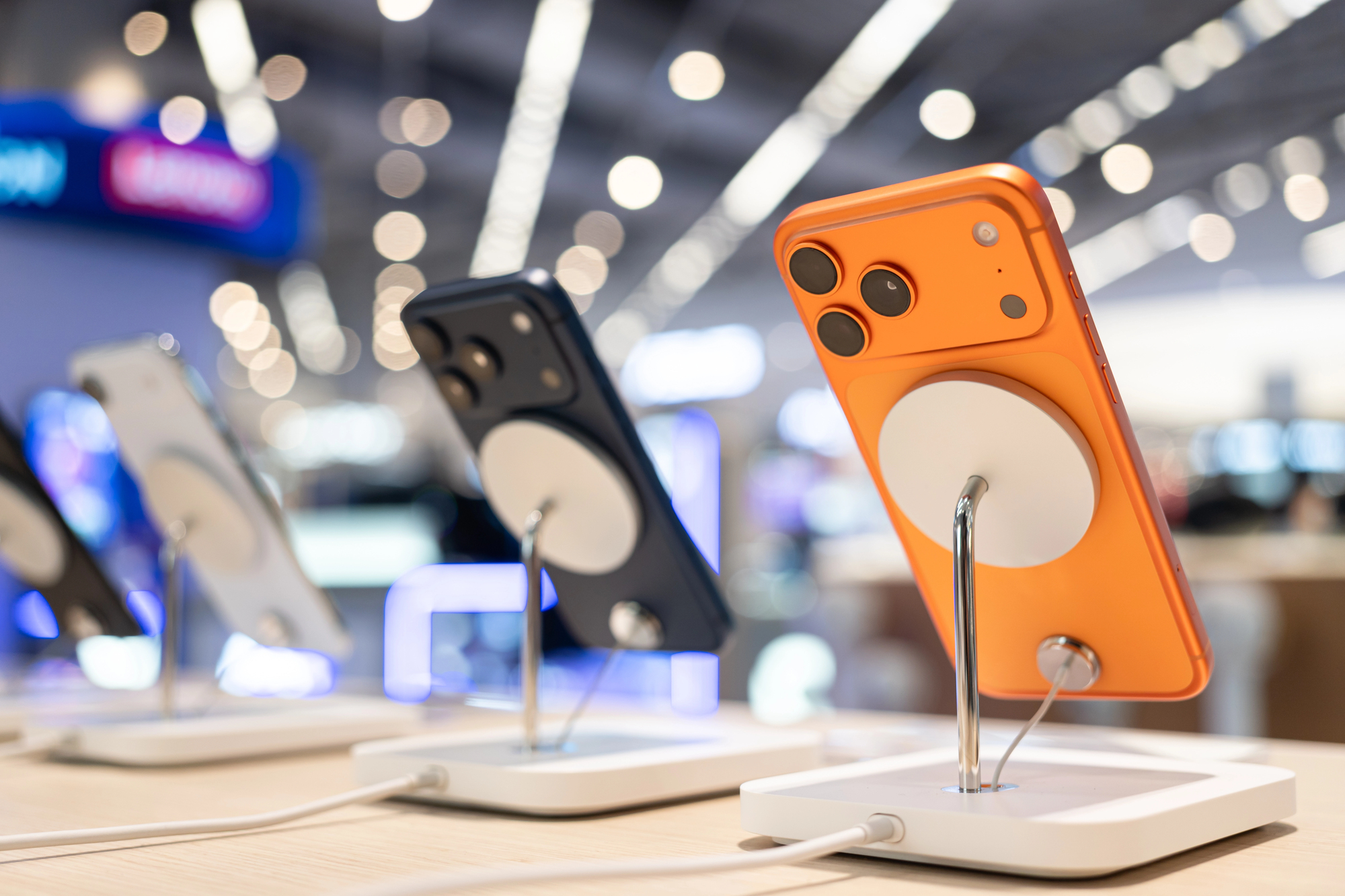
Several owners of iPhone 17 Pro and Pro Max have reported that a foreign static hissing noise, similar to an old radio, can be heard from the speakers while the device is charging. The incident is reported by MacRumors; according to available information, the noise occurs regardless of the charging method — via cable, MagSafe, or Apple’s proprietary adapters. The sound disappears after the device is disconnected from power.
Who notices it and in what conditions
Some users hear the noise only at minimum volume or while scrolling in a browser, others — in complete silence even when no media is playing. When charging wirelessly the problem becomes less noticeable, but it does not disappear completely. Some affected users have already had their devices replaced at service centers, but the replacements had the same defect.
"The noise can be heard even when the phone is lying on the table — as if an old radio is playing nearby."
— User, comment on MacRumors
Possible causes (brief technical analysis)
There is no official comment from Apple yet; it is only known that the company’s engineers are investigating the cases. Experts and service center engineers name several plausible explanations: electromagnetic interference from the power source, shielding or grounding issues, and improper operation of the audio amplifier or transmission of an analog signal when switching to charging mode. iOS updates that have already been released have not solved the problem — this suggests the source may be hardware-related.
"This resembles interference from voltage fluctuations or a problem in the amplifier circuit: software can partially reduce the manifestation, but will not eliminate a hardware fault."
— service center engineer
What users should do
Practical steps to take now: check the device with different cables and adapters, try a different outlet (and wireless charging), document the problem on video, and contact Apple Support. If the service center replaces the device — check the replacement for the same defect. If you are in Ukraine, it's additionally worth keeping contacts of service centers that have official status and recording your requests — this makes it easier to assert warranty rights.
Why it matters
At first glance a faint noise is a minor issue. But for the user it is a matter of trust in the device and build quality. When a smartphone is a tool for communication, work and safety, even technical defects take on practical significance. For Apple it is a test of response speed: whether to acknowledge the defect, offer replacement or a hardware fix, or leave it as isolated incidents.
Summary: for now we have confirmed user reports and a reaction from the service community, but no official conclusion from Apple. Whether this becomes a systemic problem depends on the results of the engineering investigation and the manufacturer's decisions.